AI Image Expander — Grow Any Photo Without Cropping
Upload your image, choose a supported aspect ratio, and let AI fill in the rest. No Photoshop. No prompt writing. No cropping.
Built for creators on Instagram, TikTok, and Pinterest who need to reformat images quickly.
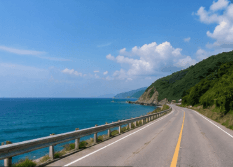
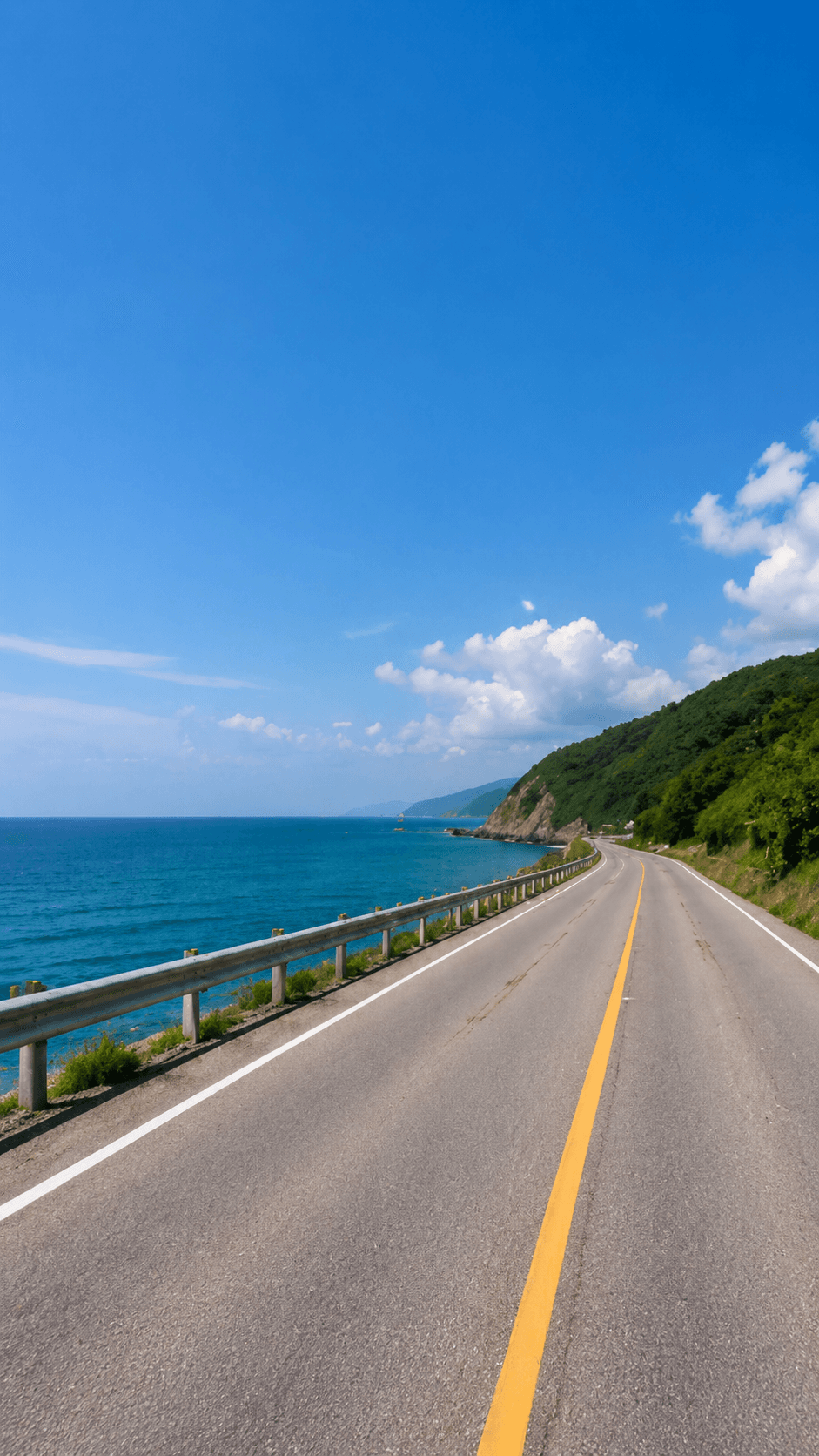
See the Canvas Grow
A source image stays intact while AI generates the surrounding space for a new platform-ready frame.
ImageFit AI uses advanced AI outpainting to extend your image in supported directions. Unlike cropping or stretching, the AI generates new pixels that blend naturally with your original photo — preserving your subject while growing the canvas. Whether you're reformatting for Instagram, TikTok, or Pinterest, the result looks like it was always that size.
AI expansion, not stretching
The original image remains the source of truth. ImageFit AI grows the canvas around it so the final frame fits a supported social ratio.
How It Works
Most image resizers crop or squish your photo to fit a new ratio. ImageFit AI does the opposite: it keeps your original image intact and uses generative AI to fill in the areas outside the original frame. The result is a seamlessly extended image — not a distorted one.
Upload your image
Choose a JPG, PNG, or WEBP image up to 10MB from your device.
Choose a supported ratio
Pick one of the product's current presets: 3:4, 4:5, 2:3, or 9:16.
Download the result
AI expands the canvas and prepares a downloadable image.
Supported Ratios
These are the target ratios currently available in the live ImageFit AI workspace.
RedNote / Xiaohongshu
Cover format currently available in the workspace.
Instagram Post
Vertical feed format currently available in the workspace.
Pinterest Pin
Pin format currently available with multiple candidates by default.
TikTok / Reels / Shorts
Vertical format currently available with multiple candidates by default.
Use Cases
Turn one image into more usable publishing formats without rebuilding it.
Landscape photo to Instagram Story
Add vertical room around a wide photo while keeping the original subject visible.
Portrait photo to Pinterest pin
Grow a portrait into a taller 2:3 canvas for pin-style publishing.
Product image to TikTok Shop creative
Reframe product shots for vertical commerce placements without stretching.
Banner image for wider layouts
Create more breathing room for social headers, thumbnails, and campaign assets.
Feature Highlights
Realistic AI fill
AI fills new canvas areas with generated content, not a solid color.
No prompt writing required
Use the guided preset flow instead of composing a detailed text prompt.
JPG, PNG, WEBP upload
Upload supported image formats up to the current 10MB limit.
Works across common subjects
Use it for people, products, landscapes, and artwork.
Free credits included
Eligible new users can start with free credits and no credit card required.
Download-ready output
Save the generated result and upload it to your publishing workflow.
FAQ
Answers to common questions before you start expanding images.
What is an AI image expander?
An AI image expander is a tool that uses artificial intelligence to extend the borders of an image beyond its original edges. Instead of cropping or stretching, the AI generates new content that blends naturally with the existing photo. ImageFit AI expands your image to supported aspect ratios while keeping the original subject intact.
Can I try the AI image expander for free?
Yes. ImageFit AI offers free credits for eligible new users, with no credit card required. Additional credits are available as one-time packs or as part of a monthly subscription.
What image formats does the expander support?
ImageFit AI accepts JPG, PNG, and WEBP files up to 10MB. The output is delivered at downloadable resolution, ready to upload directly to Instagram, TikTok, or any other platform.
Does the AI image expander work on photos of people?
Yes. The AI is designed to handle portraits, product shots, landscapes, and artwork. It preserves the main subject of your photo while extending the background or surroundings naturally. For best results, make sure the subject is not at the very edge of the original frame.
Is there a size limit on the images I can expand?
Yes. The current upload flow accepts supported image files up to 10MB. If a file is too large or unsupported, the app will show an upload error or ask you to try a smaller file.
Can I expand an image without a text prompt?
Yes — no prompt writing is needed for the standard workflow. You select one of the product's supported ratios or presets, and the AI handles the expansion process.
Related Tools
Continue with the Batch 1 pages that are live now.
Start with one image.
Upload a supported image, choose a target ratio, and let ImageFit AI expand the canvas.